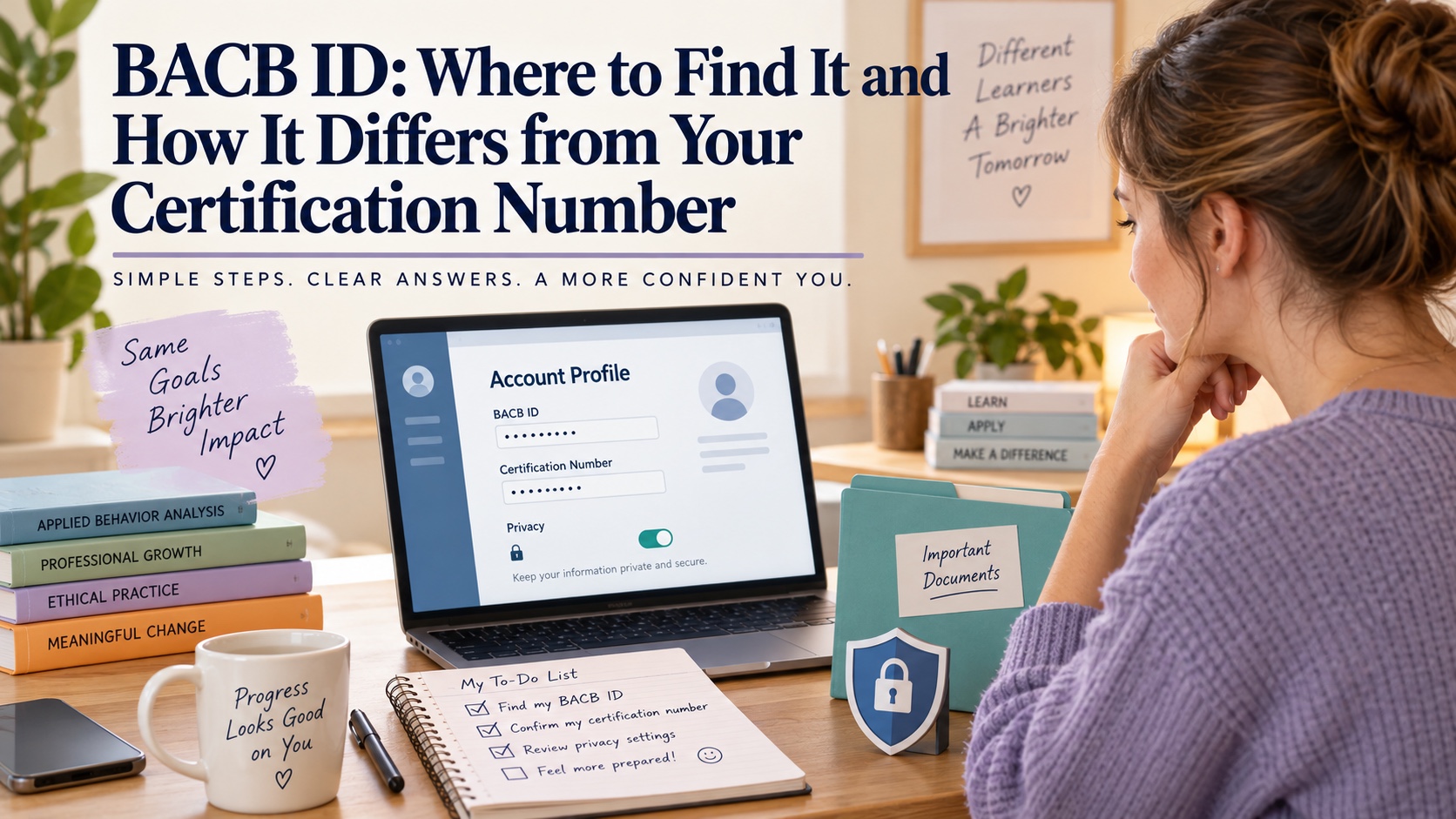
BACB ID: Where to Find It and How It Differs from Your Certification Number
If a BACB form asks for your BACB ID, you may be looking at the right account and still be unsure which number belongs in the field. The BACB ID is the identifier associated with your BACB portal account. It is not the same as your certification number, and it should not be copied from a public registry or guessed from an examination appointment.
The safest route is simple: sign in to the current BACB portal, open your account or profile area, and copy the BACB ID exactly as displayed. Because portal labels can change, use the live account interface and current BACB instructions. Do not create a second account just because you cannot find the number in an old email.
Quick answer: where to find your BACB ID
Log in to your BACB portal account and look in the account/profile area. BACB forms and account guidance state that the ID is located in the BACB account, and current FAQ material identifies the Profile area as the place applicants can find it. If your screen uses different labels after a portal update, check the current Portal Updates and Known Issues page or the relevant BACB form rather than relying on an older screenshot.
When you find it, copy the number carefully. The BACB Handbook says that creating an account gives you a BACB ID that you will need to add to documents as you work toward certification. A missing digit, extra space, or number from another person’s form can delay matching and review.
You do not need to publish the number to prove that you have an account. The BACB treats it as private account information. Use it only where the official form or BACB support process asks for it.
BACB ID versus other numbers
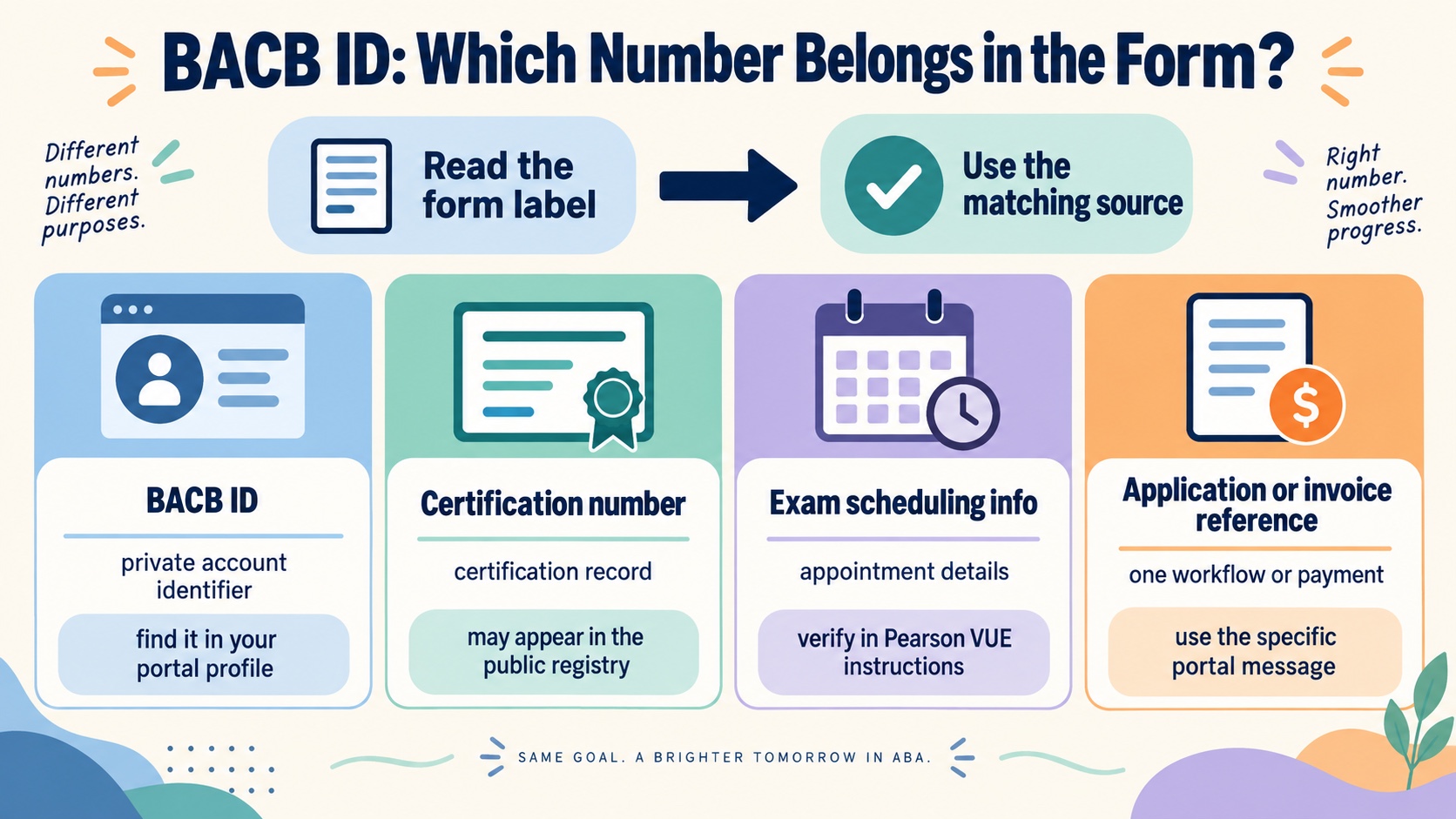
Several numbers can appear during the certification journey. They have different purposes, so pause before pasting one into a form.
| Identifier | What it represents | Where to verify it |
|---|---|---|
| BACB ID | The private identifier associated with your BACB portal account. | Your current BACB account/profile area and official BACB forms. |
| Certification number | The number associated with an active certification record; it is distinct from the account ID. | Your certification record and the public Certificant Registry, when applicable. |
| Examination or scheduling information | Details used to arrange or manage a Pearson VUE examination appointment after authorization. | Your authorization email, Pearson VUE account, and current Handbook instructions. |
| Application or invoice reference | A transaction or workflow reference tied to a particular application, payment, or portal action. | The specific BACB account page or message that created it. |
The most important distinction is BACB ID versus certification number. The BACB explicitly says the account ID is not the Certification Number. A person can have a BACB ID while still being a trainee or applicant, before receiving a certification number. Conversely, seeing a certification number in a public registry does not give someone permission to use or request your private account identifier.
Why the number must match your documents
BACB documents can be submitted by more than one person or institution. A supervisor may complete a form, a university may send a record, and you may submit the application through your own portal account. The BACB ID helps connect those pieces to the correct account.
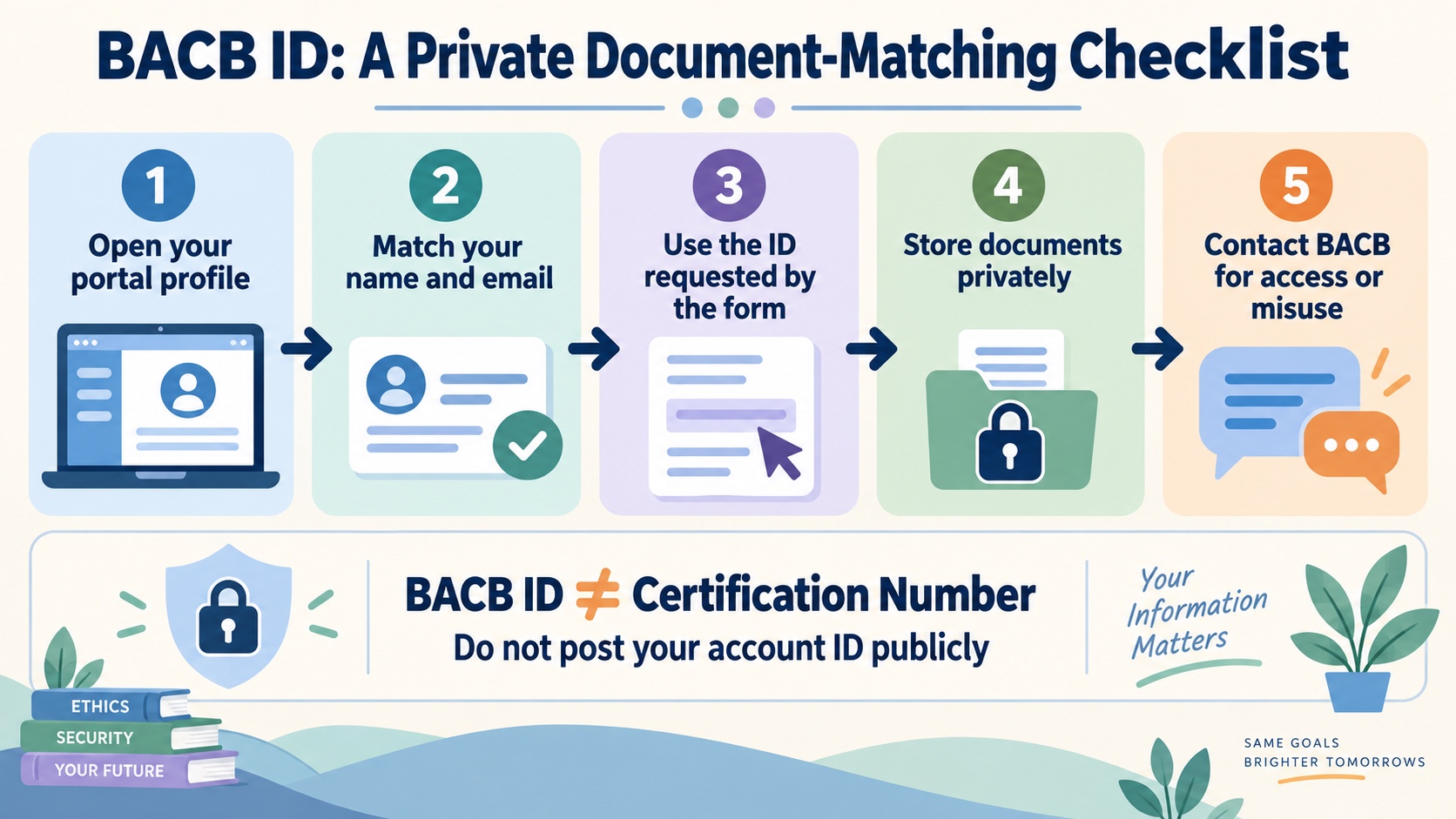
Before sending a document, compare the name, email, and BACB ID with your account. Use the exact spelling and current legal information required by the form. If your name or contact details changed, update the account through the official portal process first when the instructions tell you to do so. Do not edit another person’s information into your form just to make a field look complete.
This matching rule matters for fieldwork records, coursework attestations, application documents, and support inquiries. It does not mean every form uses the same identifier. Read the label on the form and use the source that created the request. If the form asks for a supervisor’s BACB ID, do not substitute your own.
What to do in the current portal
- Use your own account. The current Handbook recommends setting up the profile yourself and using a personal email address. Do not let an employer, school, or friend manage the account for you.
- Open the account/profile area. Look for the BACB ID in the current profile or account details. The exact navigation label may change as the portal is updated.
- Compare before copying. Confirm that the name and email on the screen are yours. Never copy an ID from a supervisor’s form, a class group message, or a public example.
- Enter it exactly where requested. Keep the number with the document you are completing, but do not add it to unrelated public pages or study notes.
- Save a private record. Store the identifier in a protected personal record so you do not need to search through old emails each time a form asks for it.
Creating a portal account does not decide whether you meet certification requirements. It gives you a place to manage your own records and receive BACB communications. For the actual application sequence, see the BCaBA application guide or the appropriate RBT/BCBA resource for your track.
If you cannot access your account
Do not create another BACB account to get around a login problem. The current Handbook recommends one account, and duplicate accounts can make record matching harder. Start with the portal’s password-recovery link and the email address associated with the account.
If you no longer have access to that email address, the BACB Contact Us guidance describes an account-support route and may require identity-verification questions. Account problems involving passwords, invoices, or applications should be routed through the BACB account-support options, not through an unrelated study provider.
If the portal itself appears broken, check the BACB Portal Updates and Known Issues page before repeatedly refreshing or resubmitting a form. Save the date, page, and error description for support. Never send your password in a support message.
Protect your BACB ID
The current Handbook treats the BACB ID as private information and says it is not published in the Certificant Registry. That is different from the certification number, which may be publicly available for verification. Keep a screenshot of a profile page private, crop out the ID before posting a certificate or success story, and avoid placing the number in a public forum.
Use a privacy-safe document routine:
- Download or save forms in a private location, not a public shared folder.
- Check that the BACB ID belongs to the person whose record the form describes.
- Remove account IDs from examples, classroom slides, and social-media images.
- Keep copies of submitted documents, but protect them with the same care as your account.
- Contact BACB if you suspect the ID or another credential has been misused.
Common mistakes
Using the certification number instead. It may be visible in a registry, but it is not the account ID requested by many BACB forms.
Copying an old screenshot. Portal navigation changes. Use the live account and current support guidance.
Creating a second account. Recover the original account or contact BACB support instead.
Sharing the ID publicly. The BACB Handbook says to protect it. Crop it out of photos and examples.
Putting the wrong person’s ID on a form. A supervisor, trainee, and applicant can each have a different account ID. Read the field label carefully.
FAQ
Where can I find my BACB ID?
Log in to your current BACB portal account and check the account/profile area. BACB forms say the ID is located in the account, and current FAQ material identifies the Profile area. If you do not see it, check the live portal guidance or contact BACB account support.
Is my BACB ID the same as my certification number?
No. The BACB describes the BACB ID as the account-specific identifier and distinguishes it from the Certification Number. Use the identifier named by the form.
Can I find someone’s BACB ID in the public registry?
No. The Handbook says the private BACB ID is not published in the Certificant Registry. The registry and verification tools are for certification-status information, not for exposing private account IDs.
What if I forgot my BACB portal email?
Use the BACB account-support route described in the current Contact Us guidance. Be ready to complete identity verification. Do not create a second account or send a password.
Do I need a BACB ID before certification?
A BACB portal account creates a BACB ID and the Handbook says it is used on documents while working toward certification. The account ID is therefore relevant to applicants and trainees, not only to people who already hold a certification.